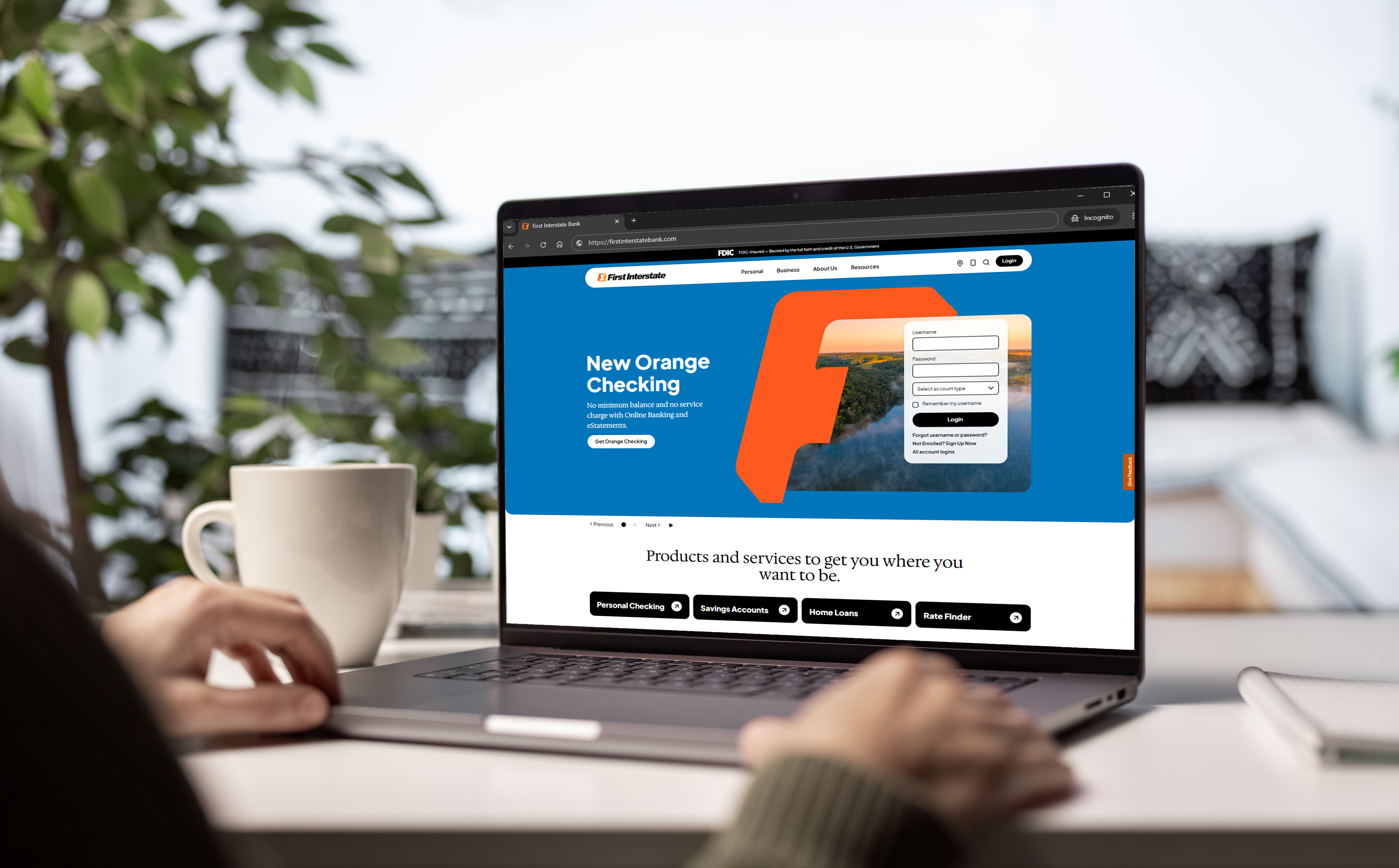
Busy day? We can help. With Online Bill Pay inside First Interstate Online Banking, you can pay bills in one place, schedule automatic payments, and stay on top of due dates — at home or on the go.
Online Bill Pay helps you manage routine payments from a single, secure dashboard. Set up one‑time or recurring payments, choose electronic delivery when available, or send a check when needed—right from your Online Banking account.
What you can do:
- Pay almost any business or individual with a United States mailing address, including Fleet Post Office (FPO) and Army Post Office (APO) addresses.
- Schedule payments in advance, then receive reminders when a bill is coming due, when a payment is scheduled, and when it’s sent.
- Use recurring payments for fixed expenses like rent or utilities to reduce manual steps each month.
Automating routine bills can support your financial plan and reduce stress.
- Convenience. Skip writing checks or visiting multiple websites. Manage payments from one place.
- Avoid late fees. With scheduled payments and reminders, you can reduce missed due dates and protect your record of on‑time payments.
- Better budgeting. Fixed, recurring payments can make monthly spending more predictable.
- Enhanced security. Fewer paper checks and statements can reduce your paper trail and the risk of mail theft.
- Fewer errors. Automation helps prevent incorrect amounts or wrong dates.
- Time back. Spend less time on tasks and more time on what matters.
Automation works best with regular check‑ins.
- Mind your dates. Choose a delivery date that allows enough lead time.
- Prevent overdrafts. Track your balance and upcoming automatic payments.
- Plan ahead. If you switch providers, adjust or cancel scheduled payments and set up new ones.
Getting started is straightforward.
- Log in to Personal Online Banking.
- Go to Pay Bills.
- Next to the payee name, select Options.
- Choose Automatic payment and follow the prompts.
- Review alerts and reminders to stay informed.
Prefer to see it in action? Watch this short tutorial:
Online Bill Pay is also available in our mobile app.
Used thoughtfully, Online Bill Pay can be a practical part of your financial toolkit. We offer tools to help you organize payments, simplify routine tasks, and keep moving forward.
Connect with your local banker to get started.